Create buyer work with account and opportunity context.Get started
AccountMade
Evaluation readinessFrom evidence to the next buyer decision

Buyer-ready material.
Kept current.

Prepare evidence-backed sales material for the next decision. Review exactly what should change when your company facts do.

One brief. Everything the buyer needs.Illustrative buyer scenario · native product surfaces

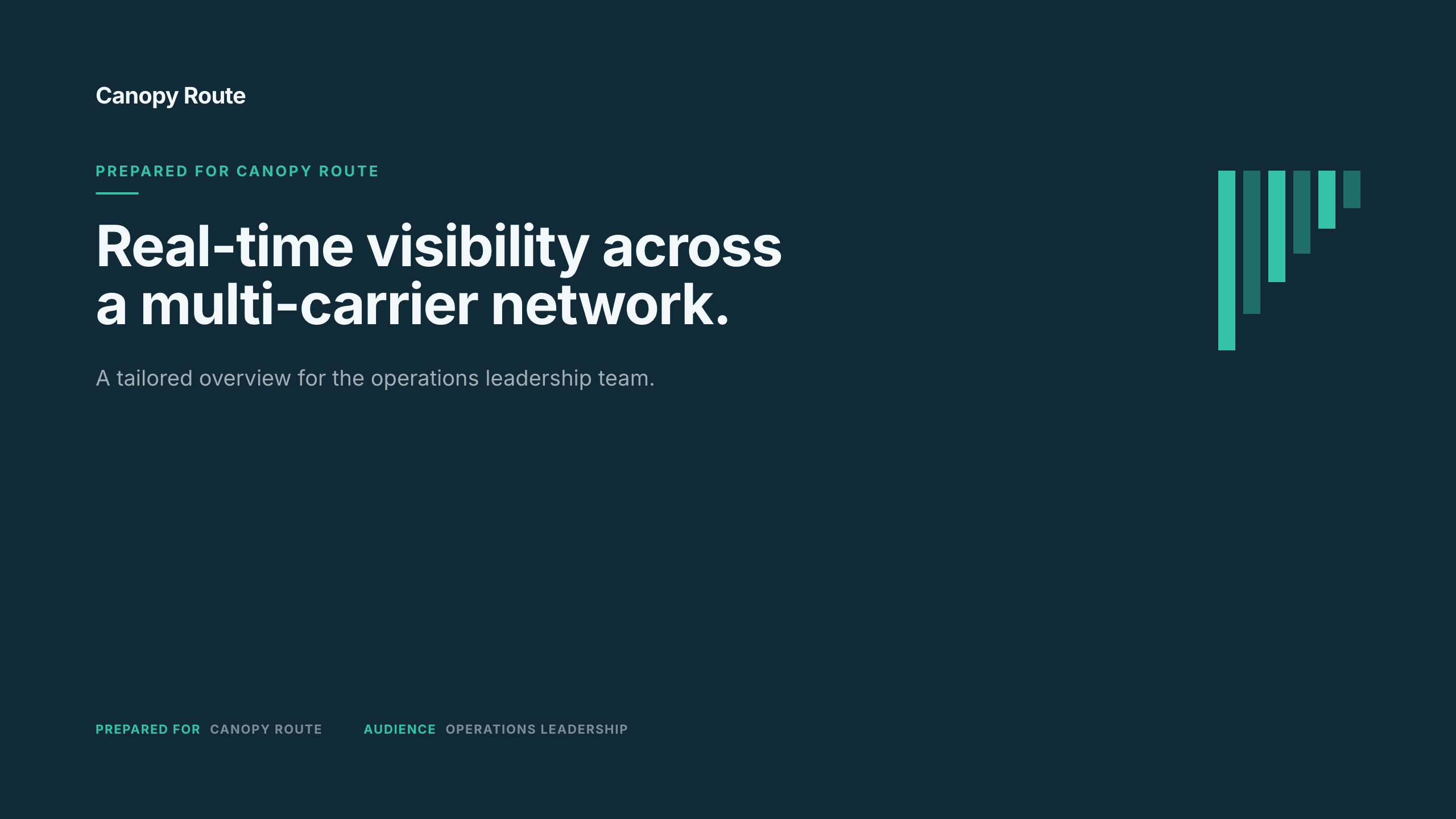
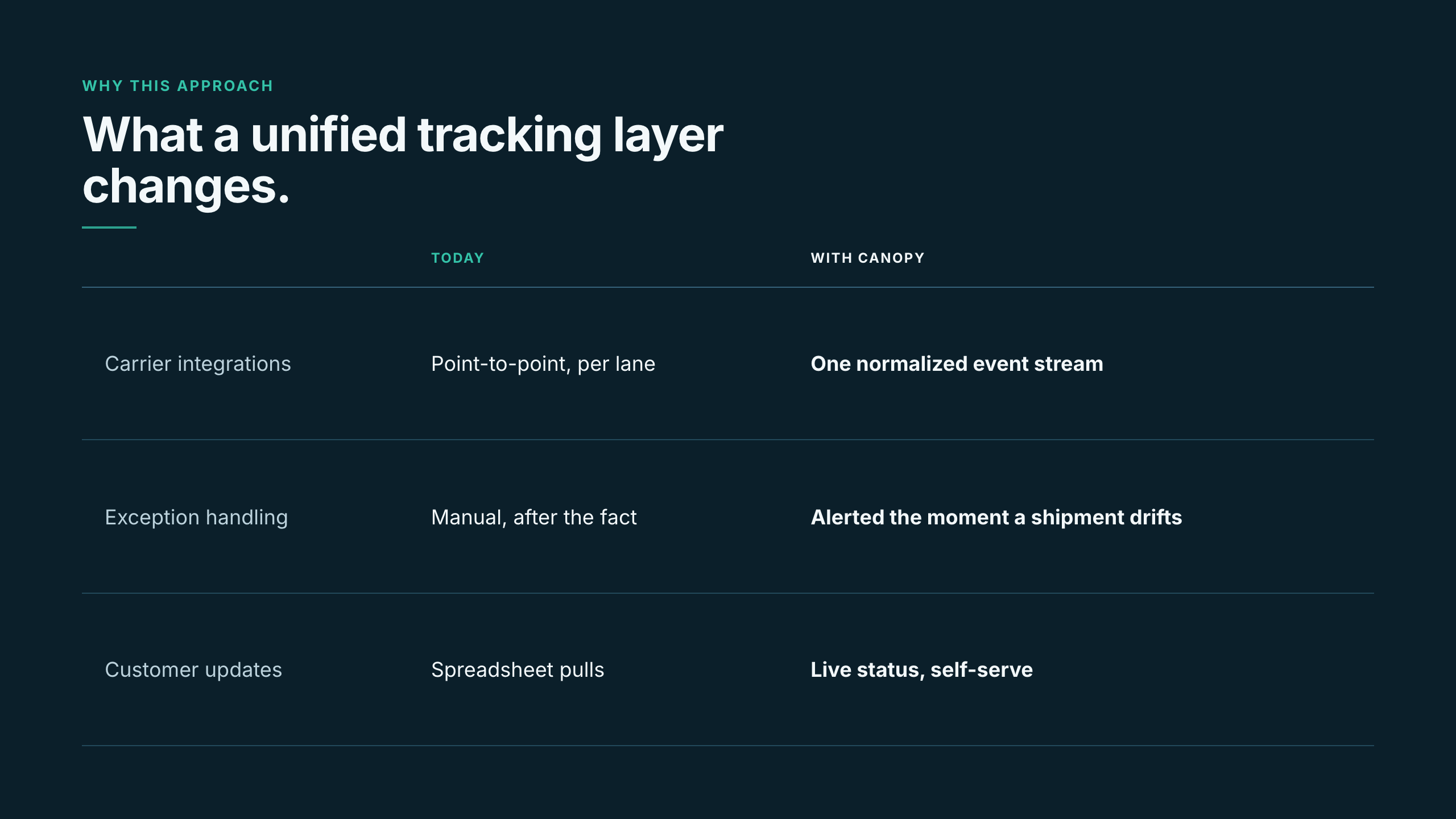
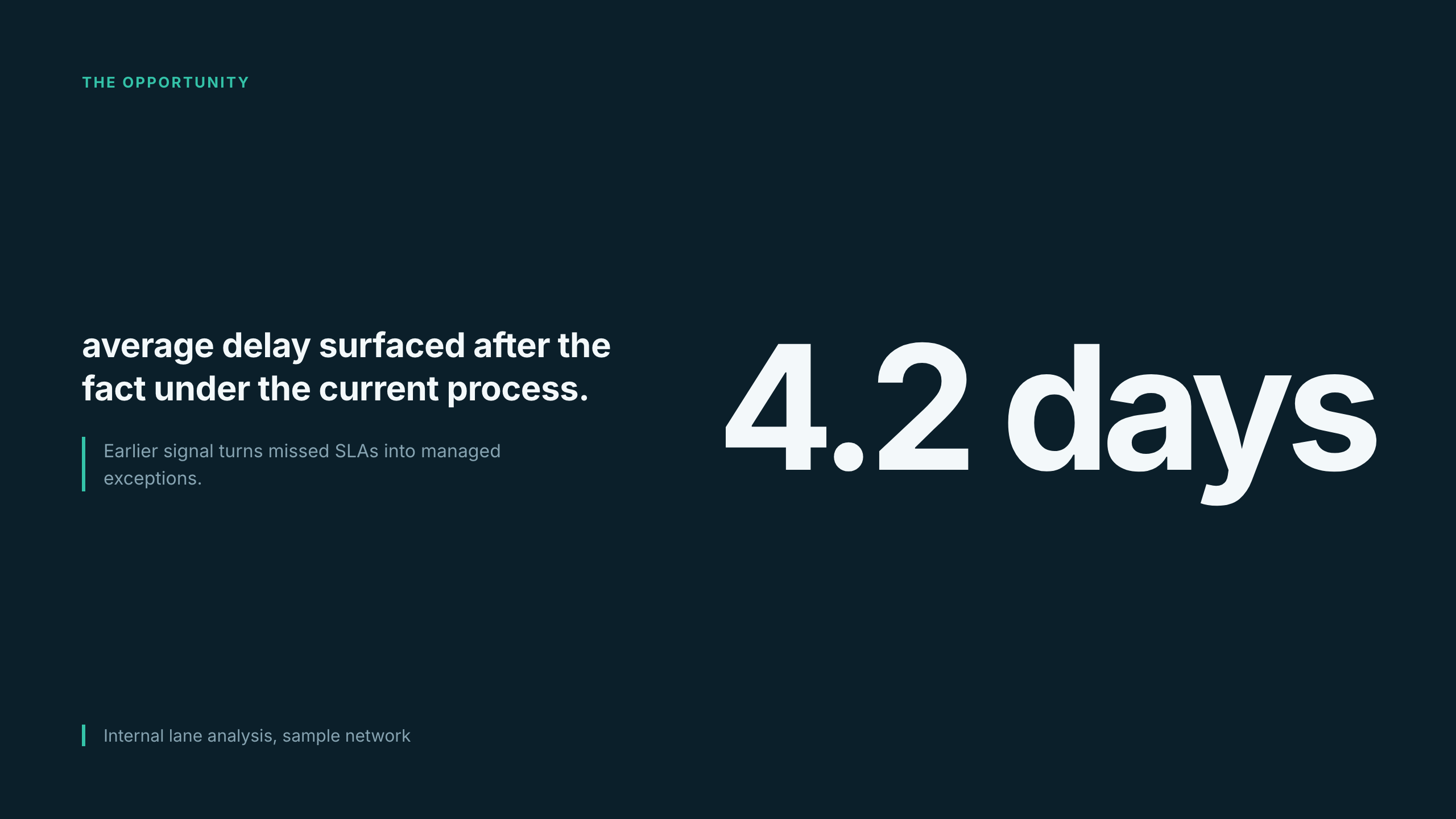
An illustrative native product journey: start at Home and request a buyer page, slides, document and spreadsheet for fictional buyer BeaconWorks. Inspect exact blocks, linked claims and supporting source passages. Prepare a recipient-specific pinned buyer link. When an approved source changes, compare the prior claim, review target and local buyer wording before publishing again. This preview does not create workspace records or send email.

Built for technical revenue teams

For AEs and SEs preparing the next buyer conversation, and the product marketers keeping the company story behind it current.

The problem

Every deal forks the company story.

Your buyer needs a specific story. Your rep adds the context that makes it useful. When a product fact changes, you need to find the linked work without flattening those deliberate edits.

How it works

Company truth in.

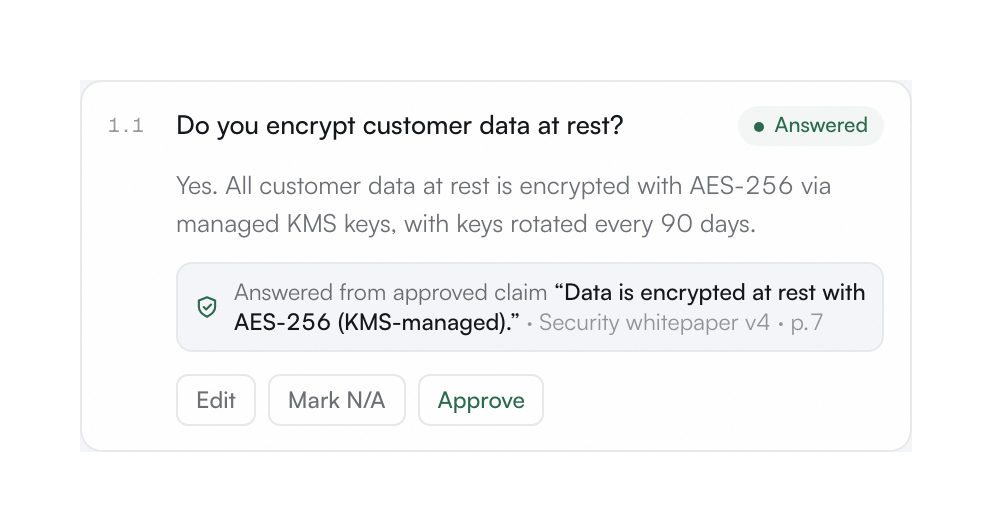
Bring reusable company claims and evidence together with the account’s research and the opportunity’s requirements. Keep the facts and the buyer’s context distinct.

Account-specific work out.

Build the work the next decision needs. Start from a template, ask the Assistant, or edit directly across all four formats. Linked claims and bespoke content can coexist.

DocumentsThe buyer’s caseProposals and technical briefs
SlidesThe next conversationPresentations for the committee
SpreadsheetsThe decision modelRequirements and tradeoffs
PagesThe buyer’s viewA shared place to evaluate
One company truth, every buyer surface

The whole sales kit. With the deal’s context intact.

An Assistant that works with your dealAsk for account research, a technical brief, or a focused edit. Bring Account, Opportunity, and company context into the request, then review the proposed work.
Assistant · example requestPrepare the support evaluation.

Use the buyer’s requirements and our support policy. Show the open questions before drafting the brief.

AccountOpportunityClaim Pack
Research · proposed edits · your review
Your brand, across the workBrand controls and templates give the team a shared starting point.
Tailored work, with room to editStart from a template. Keep the buyer’s context and your own wording.
Choose what the buyer receivesPinned links keep their revision. Current links follow the published channel. You choose when to publish. Review sharing
See what a linked claim stands onInspect its version and evidence. Manual and bespoke content remain yours to review.
After it leaves

See what changed. Correct what the buyer has.

A company change calls for two decisions: how to update the work, and what to publish to the buyer. Review linked impacts alongside local edits. Pinned links keep their revision; current links follow the published channel.

Explore review and sharing
A company claim changes

Compare the before Claim, review target Claim, and local wording.

Linked content · review before publishing
Inside the workspace

Review the proposed update. Keep intentional local edits.

An internal revision
What the buyer receives

Choose when to publish a successor. Review the share policy.

A separate publication decision
The result
TailoredWork shaped around the account and opportunity
TraceableEvidence and versions behind linked claims
ReviewedYour decision on edits and what reaches the buyer
Why AccountMade

Your sales workspace. Your judgment stays in the work.

Edit directly or work with the Assistant. Review the result either way.

Working surfaceEdit directlyAssistant support
Documentscoveredcovered
Slidescoveredcovered
Spreadsheetscoveredcovered
Pagescoveredcovered
Account and Opportunity contextcoveredcovered
Company claimscoveredcovered

Make the next buyer conversation count. Bring the deal’s context with you.

AccountMade | Build what moves the account forward